
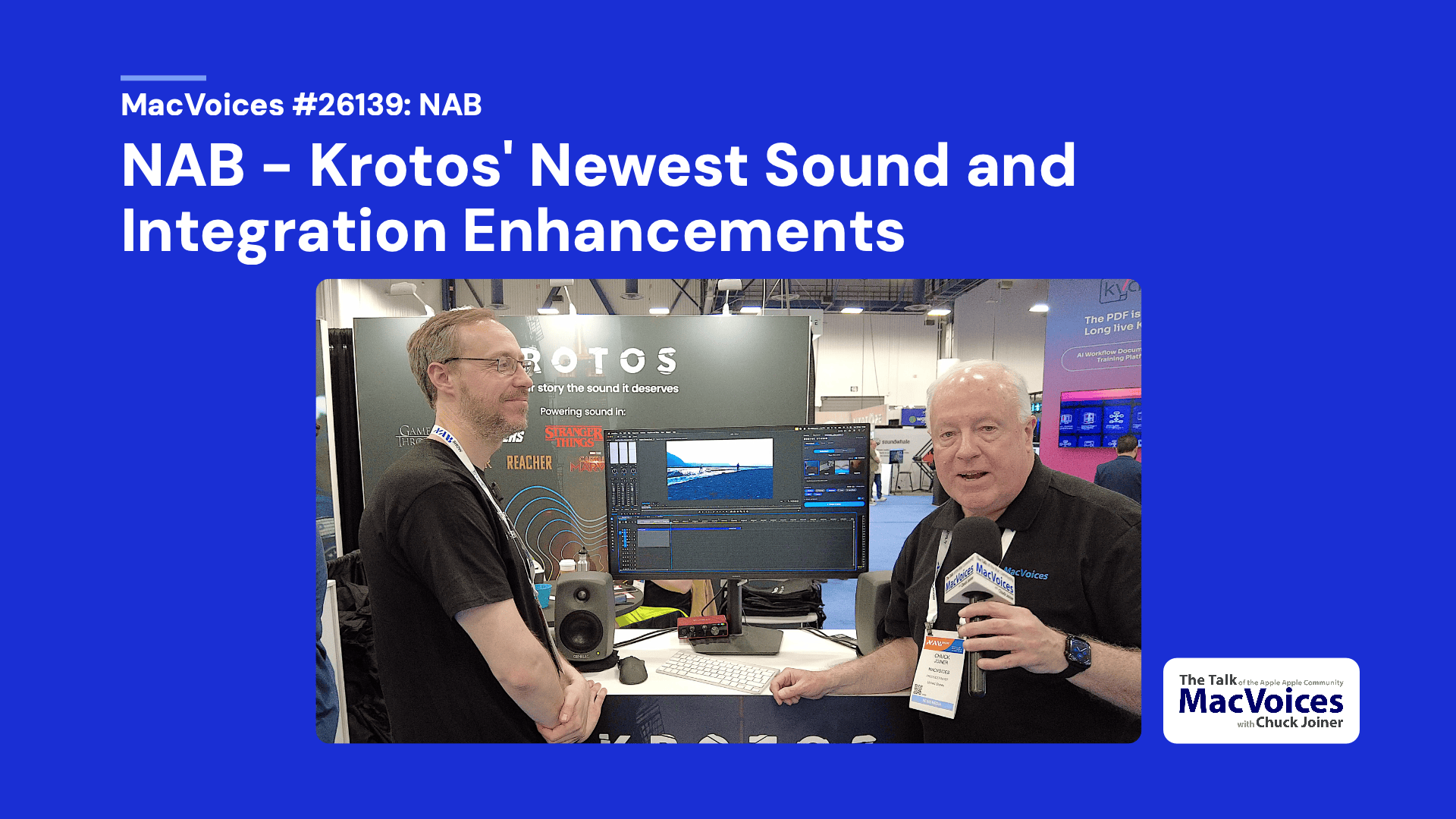
Matthew Collings, Head of Product for Krotos was manning their booth at NAB in Las Vegas, showing off the latest upgrades to their new AI-assisted sound design workflows in Krotos Studio for Adobe Premiere, with support for DaVinci Resolve and other NLEs planned. The system analyzes selected video regions, places synchronized royalty-free sound effects from Krotos’ recorded library, and lets editors quickly swap, remix, and customize impacts, ambiences, drones, footsteps, cloth, and surfaces without generative audio.
Show Notes:
Chapters:
0:03 Introduction from NAB 2026
0:24 Matthew introduces Krotos Studio’s new Adobe Premiere integration
0:51 AI analyzes selected video regions for sound design
1:33 Traditional Krotos Studio workflow and interactive sound performance
2:31 Automatically generated sounds appear in the Premiere timeline
3:17 Customizing AI-assisted sound choices after placement
4:14 Swapping impacts and transitions while maintaining sync
4:46 Security, privacy, and cloud processing questions
5:32 AI tools used and planned launch timing
6:04 Royalty-free licensing and ownership of sounds
6:51 Krotos’ expanded sound library and AI-assisted placement
7:25 Recorded sound vs. generative audio
8:02 Cloud processing and connection-speed considerations
8:36 Using AI for footsteps, ambience, and cloth sounds
9:55 Instant Render for drones, ambiences, and music beds
10:42 Stem drag-and-drop for greater mix control
11:15 AI-generated synchronized footsteps demo
11:42 Changing footstep surfaces while preserving sync
12:23 Manual fine-tuning and creative flexibility
13:04 AI as a time-saving creative assistant
13:40 Pricing, subscription tiers, and website
Support:
Become a MacVoices Patron on Patreon
http://patreon.com/macvoices
Enjoy this episode? Make a one-time donation with PayPal
Connect:
Web:
http://macvoices.com
Twitter:
http://www.twitter.com/chuckjoiner
http://www.twitter.com/macvoices
Mastodon:
https://mastodon.cloud/@chuckjoiner
Facebook:
http://www.facebook.com/chuck.joiner
MacVoices Page on Facebook:
http://www.facebook.com/macvoices/
MacVoices Group on Facebook:
http://www.facebook.com/groups/macvoice
LinkedIn:
https://www.linkedin.com/in/chuckjoiner/
Instagram:
https://www.instagram.com/chuckjoiner/
Subscribe:
Audio in iTunes
Video in iTunes
Subscribe manually via iTunes or any podcatcher:
Audio: http://www.macvoices.com/rss/macvoicesrss
Video: http://www.macvoices.com/rss/macvoicesvideorss