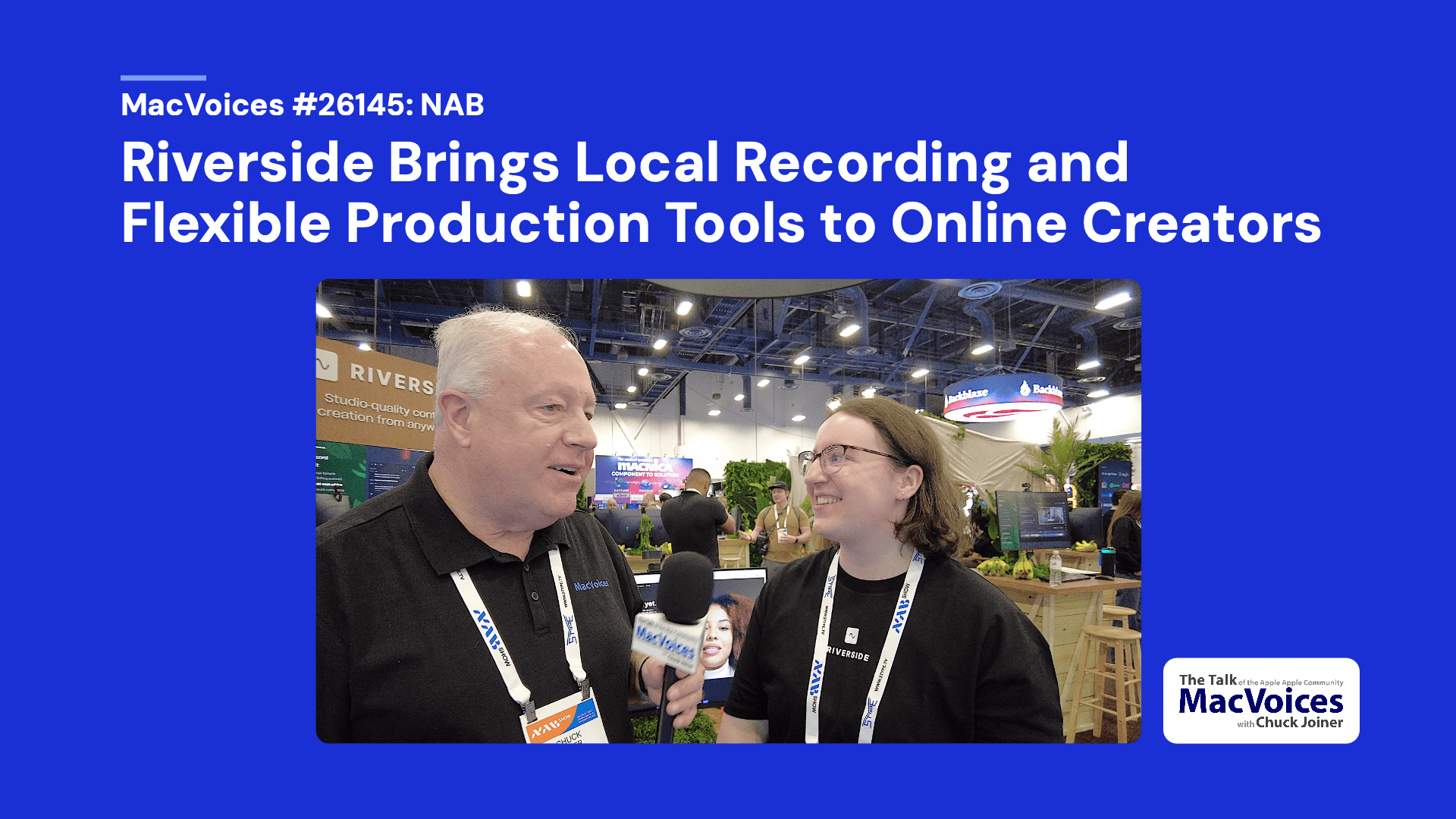
In the Riverside booth at NAB in Las Vegas, Danielle Baxter, Business Development Representative, explains how the platform supports podcasting, video interviews, webinars, testimonials, and live streams. She covers options like local recording, separate audio and video tracks, browser-based guest access, built-in editing, branding, captions, producer mode, and flexible plans for solo creators and businesses.
Show Notes:
Chapters:
00:02 NAB 2026 introduction
00:27 Riverside’s expansion beyond podcasting
01:03 Bridging the gap between conferencing and production
01:43 Built-in editing, branding, captions, and clips
02:02 Matching Riverside tools to different creator needs
02:44 Desktop, mobile, and browser-based guest workflow
03:04 Local recording and separate audio/video tracks
04:32 Guest access through links and mobile app options
04:47 Live streaming, webinars, and clickable lower thirds
05:32 Hardware and browser requirements
06:09 Handling storms, power issues, and connectivity interruptions
07:01 Producer mode and behind-the-scenes direction
07:37 Exporting isolated files for editing
08:38 Hobbyist and business pricing options
10:00 Where to learn more about Riverside
Support:
Become a MacVoices Patron on Patreon
http://patreon.com/macvoices
Enjoy this episode? Make a one-time donation with PayPal
Connect:
Web:
http://macvoices.com
Twitter:
http://www.twitter.com/chuckjoiner
http://www.twitter.com/macvoices
Mastodon:
https://mastodon.cloud/@chuckjoiner
Facebook:
http://www.facebook.com/chuck.joiner
MacVoices Page on Facebook:
http://www.facebook.com/macvoices/
MacVoices Group on Facebook:
http://www.facebook.com/groups/macvoice
LinkedIn:
https://www.linkedin.com/in/chuckjoiner/
Instagram:
https://www.instagram.com/chuckjoiner/
Subscribe:
Audio in iTunes
Video in iTunes
Subscribe manually via iTunes or any podcatcher:
Audio: http://www.macvoices.com/rss/macvoicesrss
Video: http://www.macvoices.com/rss/macvoicesvideorss