
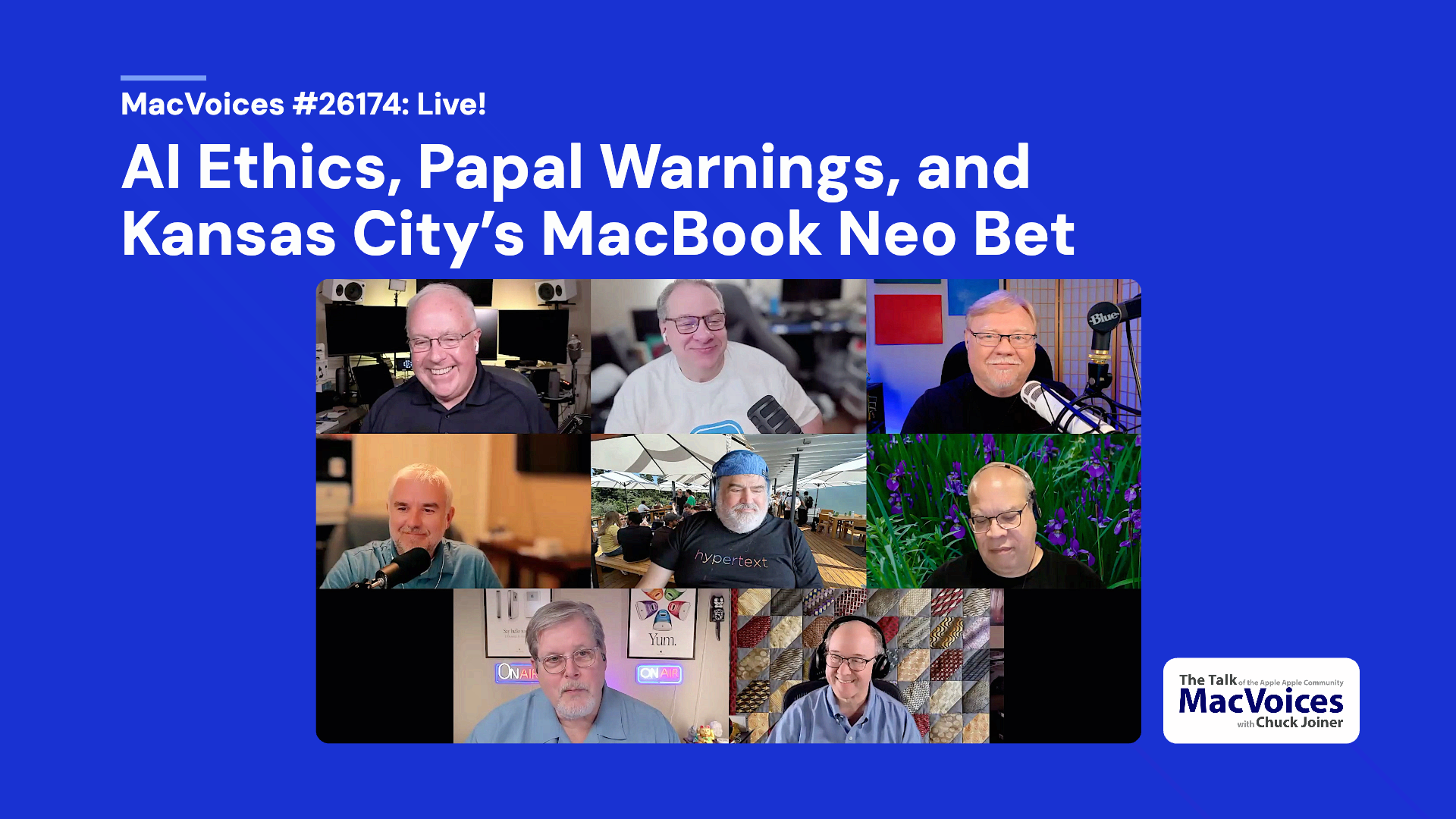
The MacVoices Live! panel explores Pope Leo’s comments on AI ethics, technology regulation, environmental costs, labor disruption, and the need for moral guardrails without stopping innovation. Chuck Joiner, David Giinsburg, Jeff Gamet, Brian Flanigan-Arthurs, Jim Rea, Eric Bolden, Marty Jencius, and Web Bixby compare today’s AI concerns to earlier industrial upheaval, then shifts to Kansas City’s school technology plan involving MacBook Neo systems and iPads, with debate over deployment, education value, and implementation challenges.
MacVoices is supported by NordLayer. Secure your network & stay compliant with one toggle-ready platform. Get an exclusive offer: up to 22% off NordLayer yearly plans plus 10% on top with the coupon code: MACVOICES10 at NordLayer.com/macvoices. Try it risk-free—14-day money-back guarantee.
Show Notes:
Chapters:
00:00 AI ethics, papal warnings, and Kansas City’s MacBook Neo discussion introduced
02:12 Pope Leo’s comments on AI and technology regulation open the debate
03:48 Jeff responds to the Pope’s AI concerns as a call for guardrails, not resistance
05:15 AI’s rapid development, humanity, and the need for responsible oversight
05:40 Data centers, environmental impact, and community resource concerns
07:20 The Catholic Church’s historical role in science and innovation
08:33 Pope Leo’s namesake and links to industrial-era labor concerns
10:09 AI, workers’ rights, economic inequality, and recurring social disruption
11:15 AI-powered drones, autonomous weapons, and social consequences
12:44 Chuck questions the timing and emphasis of the Pope’s technology message
13:50 Marty frames the Pope’s comments as moral caution rather than opposition
15:12 Technology panic cycles, schools, and fears over changing learning habits
17:55 Kansas City’s MacBook Neo and iPad education deployment discussed
18:23 Webb critiques the Kansas City school district’s history and administration
21:11 Clarifying the number of MacBook Neos versus iPads in the district purchase
22:01 Matching technology to students’ ages, needs, and learning stages
23:08 Panelists share where to find their work and shows
29:10 Closing comments and live show information
Links:
Pope Leo’s first encyclical reads as tech regulation as much as theology
https://thenextweb.com/news/pope-leo-magnifica-humanitas-ai-governments-big-tech
Kansas City has bought more than 4,500 MacBook Neos for its students – Engadget
Discord now has end-to-end encryption on all calls – Engadget
https://www.engadget.com/2177277/discord-now-has-end-to-end-encryption-on-all-calls/
Guests:
Web Bixby has been in the insurance business for 40 years and has been an Apple user for longer than that.You can catch up with him on Facebook, Twitter, and LinkedIn, but prefers Bluesky.
Eric Bolden is into macOS, plants, sci-fi, food, and is a rural internet supporter. You can connect with him on Twitter, by email at embolden@mac.com, on Mastodon at @eabolden@techhub.social, on his blog, Trending At Work, and as co-host on The Vision ProFiles podcast.
Brian Flanigan-Arthurs is an educator with a passion for providing results-driven, innovative learning strategies for all students, but particularly those who are at-risk. He is also a tech enthusiast who has a particular affinity for Apple since he first used the Apple IIGS as a student. You can contact Brian on twitter as @brian8944. He also recently opened a Mastodon account at @brian8944@mastodon.cloud.
Jeff Gamet is a technology blogger, podcaster, author, and public speaker. Previously, he was The Mac Observer’s Managing Editor, and the TextExpander Evangelist for Smile. He has presented at Macworld Expo, RSA Conference, several WordCamp events, along with many other conferences. You can find him on several podcasts such as The Mac Show, The Big Show, MacVoices, Mac OS Ken, This Week in iOS, and more. Jeff is easy to find on social media as @jgamet on Twitter and Instagram, jeffgamet on LinkedIn., @jgamet@mastodon.social on Mastodon, and on his YouTube Channel at YouTube.com/jgamet.
David Ginsburg is the host of the weekly podcast In Touch With iOS where he discusses all things iOS, iPhone, iPad, Apple TV, Apple Watch, and related technologies. He is an IT professional supporting Mac, iOS and Windows users. Visit his YouTube channel at https://youtube.com/daveg65 and find and follow him on Twitter @daveg65 and on Mastodon at @daveg65@mastodon.cloud.
Marty Jencius, Ph.D.,is a counselor educator and technology pioneer who has spent 30 years bringing emerging tech into his field — from founding one of the first professional listservs (CESNET-L) to podcasting, virtual reality, and now AI and AR. He is the founder of ThePodTalk.net, where he produces Vision ProFiles, The Old Mac Gang, A.I. Productivity Workflow, The Tech Savvy Professor, 15 Minute Bytes, The Neo Notebook, and Fade to Chat: Golden Age Cinema. He is also a regular panelist on MacVoices Live!, In Touch with iOS, and The Mac Show. Find him on Bluesky and Mastodon.
Jim Rea built his own computer from scratch in 1975, started programming in 1977, and has been an independent Mac developer continuously since 1984. He is the founder of ProVUE Development, and the author of Panorama X, ProVUE’s ultra fast RAM based database software for the macOS platform. He’s been a speaker at MacTech, MacWorld Expo and other industry conferences. Follow Jim at provue.com and via @provuejim@techhub.social on Mastodon.
Support:
Become a MacVoices Patron on Patreon
http://patreon.com/macvoices
Enjoy this episode? Make a one-time donation with PayPal
Connect:
Web:
http://macvoices.com
Twitter:
http://www.twitter.com/chuckjoiner
http://www.twitter.com/macvoices
Mastodon:
https://mastodon.cloud/@chuckjoiner
Facebook:
http://www.facebook.com/chuck.joiner
MacVoices Page on Facebook:
http://www.facebook.com/macvoices/
MacVoices Group on Facebook:
http://www.facebook.com/groups/macvoice
LinkedIn:
https://www.linkedin.com/in/chuckjoiner/
Instagram:
https://www.instagram.com/chuckjoiner/
Subscribe:
Audio in iTunes
Video in iTunes
Subscribe manually via iTunes or any podcatcher:
Audio: http://www.macvoices.com/rss/macvoicesrss
Video: http://www.macvoices.com/rss/macvoicesvideorss