
MacVoices Episodes
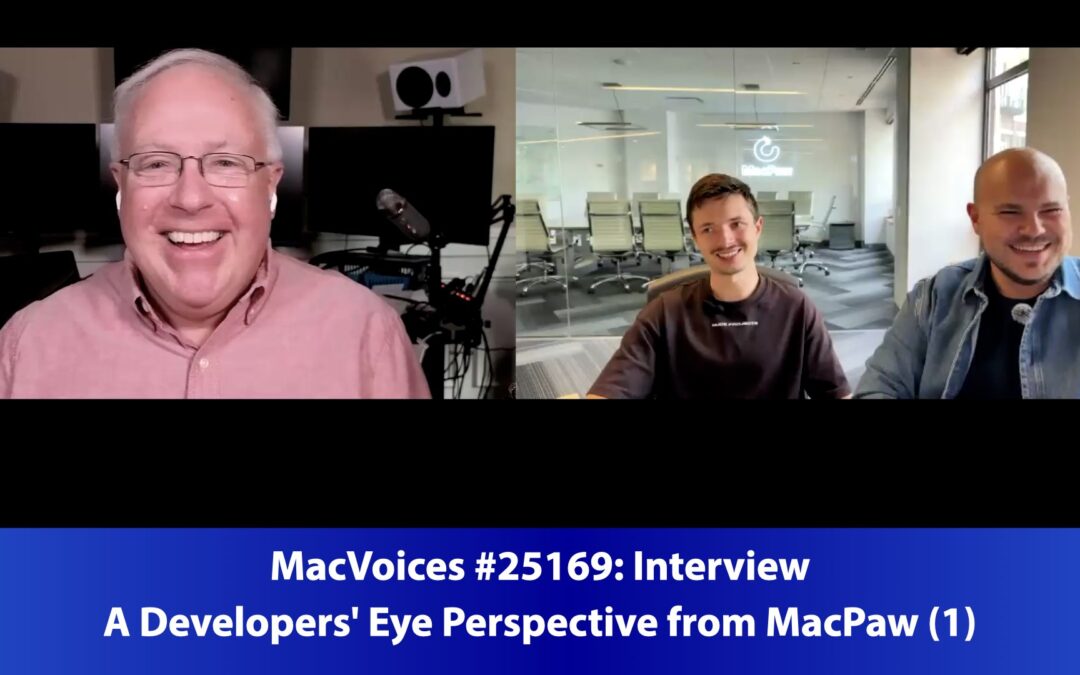
MacVoices #25169: A Developers’ Eye Perspective from MacPaw (1)

MacVoices #25169: A Developers’ Eye Perspective from MacPaw (1)

Senior Software Engineer Serhii Popov and Product Manager Pavlo Haidamak, both of MacPaw, offer an inside look at how CleanMyMac is built with user trust, transparency, and security at the forefront. They discuss how evolving regulations like GDPR and Apple’s system restrictions have changed the way software is developed, tested, and updated. The conversation explores balancing user control with ease of use, why informed permission requests matter, and how user feedback directly shapes product improvements. With examples from their own workflows and challenges, they highlight what it means to build responsible software in an age of heightened privacy concerns.0:09 Introduction to MacPaw’s Perspective (Part 1) 
read more
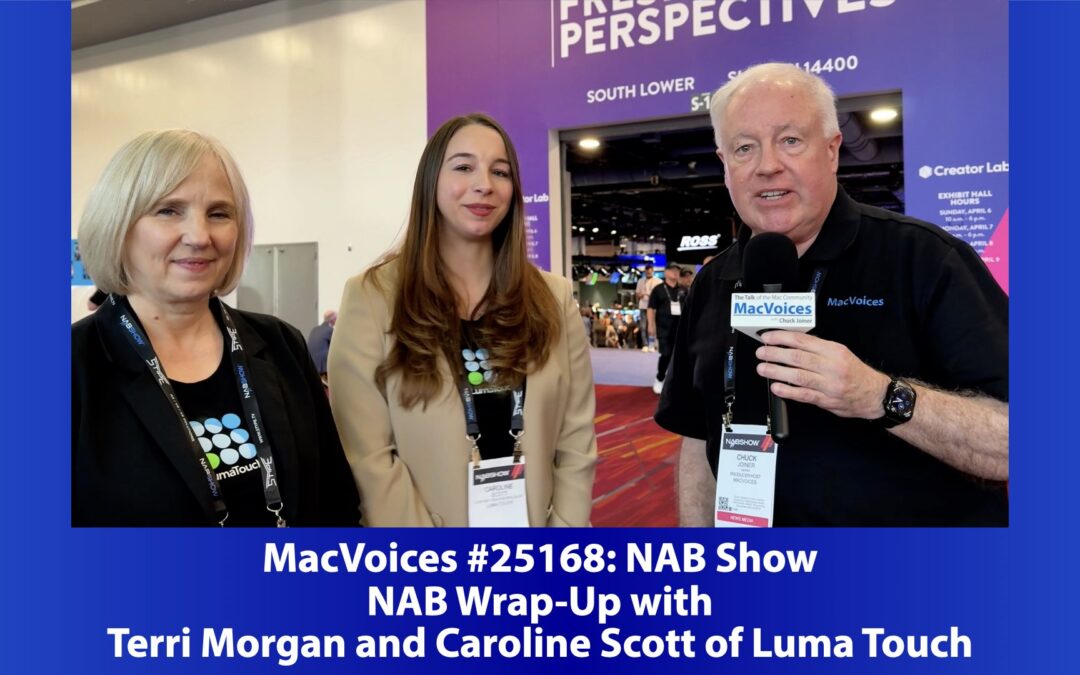
MacVoices #25168: NAB Show 2025 Wrap-Up with Terry Morgan and Caroline Scott of Luma Touch

MacVoices #25168: NAB Show 2025 Wrap-Up with Terry Morgan and Caroline Scott of Luma Touch

We wrap up our NAB Show 2025 coverage with Terry Morgan and Caroline Scott of Luma Touch, who share insights on how AI is being integrated into video editing without stifling creativity. While AI offers efficiency, concerns remain about homogenized content and the loss of personal storytelling. They emphasize the importance of editorial choices that bring emotion and uniqueness, warning against over-reliance on AI-generated results. 

read more
MacVoices #25167: Road to Macstock Live! with Mike Potter

MacVoices #25167: Road to Macstock Live! with Mike Potter

Conference organizer Mike Potter joins us for a special live Road to Macstock Conference and Expo  update on the news at the one-month-and-counting mark. Updates include an extended hotel block, session updates, and community-focused surprises. He explains how the “hallway track” and casual meetups define the event’s spirit, while new tech upgrades promise smoother production. Attendees can expect workshops, evening mixers, and the return of the Mac Geek Gab live show—all fostering connection and creativity. 

read more
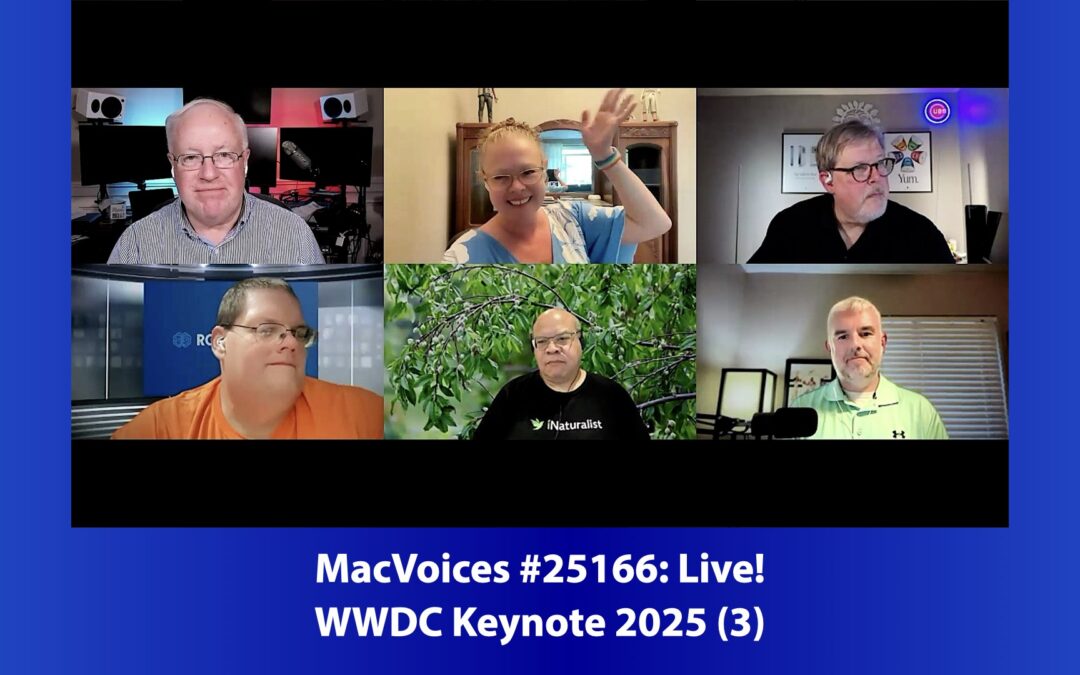
MacVoices #25166: Live! – WWDC Keynote 2025 (3)

MacVoices #25166: Live! – WWDC Keynote 2025 (3)

In the final installment of the MacVoices Live! WWDC 2025 coverage, the panel explores Apple’s latest innovations across Maps, Apple Music, live translation, and Vision Pro. Discussions include the practical benefits of pinned playlists and AutoMix, personalized navigation in Maps, and the long-awaited shared spatial experiences in Vision Pro. Chuck Joiner, Brittany Smith,Marty Jencius, Ben Roethig, Eric Bolden, and Brian Flanigan-Arthurs also touch on translation through AirPods, Continuity upgrades, and new input options for Vision Pro like styluses and VR controllers. 

read more
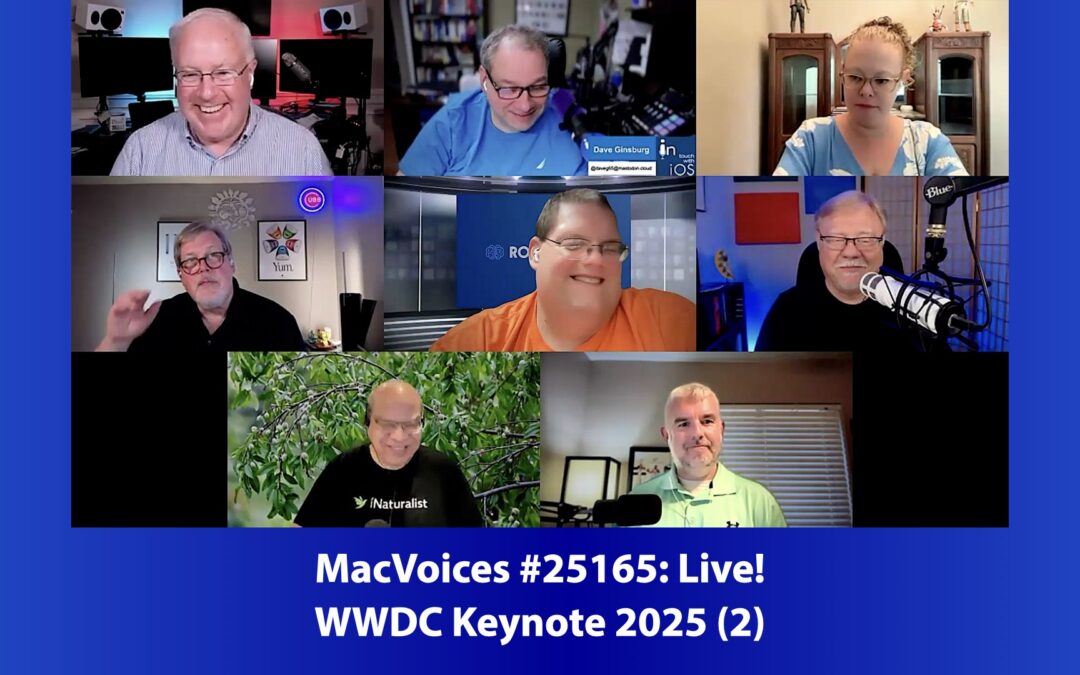
MacVoices #25165: Live! – WWDC Keynote 2025 (2)

MacVoices #25165: Live! – WWDC Keynote 2025 (2)

In part two of the WWDC 2025 keynote discussion, the MacVoices Live! panel dives deeper into hands-on impressions of Apple’s latest OS betas and features. Highlights include the enthusiasm around call screening and hold assist, improvements to multitasking and UI unification, and Apple Watch additions like Workout Buddy and wrist flick gestures. Chuck Joiner, David Ginsbug, Brittany Smith, Marty Jencius, Ben Roethig, Jeff Gamet, Eric Bolden, and Brian Flanigan-Arthurs also examine a new focus on gaming, privacy-focused on-device AI, and new Shortcuts automations on the Mac. (Part 2) 

read more

Older Episodes

MacVoices #24263: Live! – The M4 Mac mini and M4 Mac mini Pro

MacVoices #24263: Live! – The M4 Mac mini and M4 Mac mini Pro

During a week of Apple announcements, the MacVoice Live! panel took a look at the first two Mac upgrades. Chuck Joiner, Brian Flanigan-Arthurs, David Ginsburg, Ben Roethig, Marty Jencius, Eric Bolden, Jim Rea, Jeff Gamet, and Web Bixby look at the new Mac Mini with the M4 and M4 Pro chips, and the performance boost they offer in a new, compact form factor. Design quirks, multiple monitor support, and Thunderbolt 5 are part of the discussion, as is the question over whether this should be considered a “prosumer” machine. 

read more
MacVoices #24262: Glenn Fleishman Takes Control of Securing Your Apple Devices, AirTags, and More (3)

MacVoices #24262: Glenn Fleishman Takes Control of Securing Your Apple Devices, AirTags, and More (3)

Our multi-part conversation with Take Control author Glenn Fleishman concludes with discussions of Take Control of Securing Your Apple Devices, Take Control of Find My and AirTags, and Take Control of FaceTime and Messages. Glenn points out some lesser-known features such as Lockdown Mode and Private Wi-Fi Address, talks about using GateKeeper effectively, and explains some new features in FaceTime and Messages that improve the user experience. (Part 3) 

read more
MacVoices #24261: Glenn Fleishman On Keeping Safe Using Mobile Tech (2)

MacVoices #24261: Glenn Fleishman On Keeping Safe Using Mobile Tech (2)

Glenn Fleishman goes in depth on the title subject of his Keep Safe Using Mobile Tech. We talk about how to secure Apple devices amid all the changes and updates to operating systems, along with features such as car crash detection, fall detection, emergency SOS, and the Check-In function, Glenn emphasizes the need for individuals to understand and customize their device settings for optimal protection from both misadventure as well as theft. (Part 2) 

read more
MacVoices #24260: Keyboards, Comics, and Taking Control of Your Apple Account with Glenn Fleishman (1)

MacVoices #24260: Keyboards, Comics, and Taking Control of Your Apple Account with Glenn Fleishman (1)

In the first part of a wide-ranging conversation with author Glenn Fleishman, we touch on his participation in the Shift Happens book project, his latest project, How Comics Were Made, and his Take Control of Your Apple Account. Along the way we looked back at the surprising origins of a peripheral we all use, the challenges of the early printing industry, and got some thoughts on what you can and can’t do in your account interactions with Apple.

read more
MacVoices #24259: Live! – WordPress Controversies and Sonos Customer Confidence

MacVoices #24259: Live! – WordPress Controversies and Sonos Customer Confidence

Two topics dominate this MacVoices Live! discussion. Chuck Joiner, Marty Jencius, Eric Bolden, Jim Reat, and Mark Fuccio look at the ongoing soap opera that is the Wordpress/WP Engine feud that now has some employees heading for less combative pastures. Then, the panel consider the latest efforts by Sonos to gain back their customers trust…and why it is an uphill climb. 

read more
MacVoices #24258: More Home Organization with Under My Roof (2)

MacVoices #24258: More Home Organization with Under My Roof (2)

Our conversation with Diane Hamilton, Co-Founder & Managing Partner of Binary Formations continues with how they are implementing machine learning integration in Under My Roof, particularly object recognition, and the support resources available for users. Diane also shares insights on the transition to a subscription model, data ownership and privacy through iCloud integration. (Part 2)

read more
MacVoices #24257: Diane Hamilton On Organizing Your Home with Under My Roof (1)

MacVoices #24257: Diane Hamilton On Organizing Your Home with Under My Roof (1)

Diane Hamilton, Co-Founder & Managing Partner of Binary Formations, discusses the evolution of Under My Roof. Originally designed for home inventories, the app has transformed into a comprehensive tool for managing all aspects of homeownership, including maintenance schedules and household supplies. Useful for both day-to-day activities as well as in times of disaster, Under My Roof uses iCloud for secure storage of your data. Diane explains user-friendly mechanisms like receipt uploads and strong syncing capabilities across devices as part of the initial implementation. (Part 1) 

read more
MacVoices #24255: More with Mike Schmitz on LifeHQ (2)

MacVoices #24255: More with Mike Schmitz on LifeHQ (2)

We wrap up our conversation with Mike Schmitz about how his latest project, LifeHQ, organizes your projects, to-dos, and your life (hence the name). Mike explains some of the key concepts behind his system, how it integrates with apps that you already are using, and the modularity of his approach. Best of all, you can adopt features as your needs and time dictate, rather than have to learn everything all at once. (Part 2)

read more

MacVoices Communication Channels

The MacVoices Dispatch

Subscribe to the MacVoices Dispatch email newsletter to stay up-to-date on the latest Apple and technology news. Get exclusive content delivered straight to your inbox and be part of our tech enthusiast community.

The MacVoices Blog

Check out the MacVoices blog for the latest news and catch up on Chuck's guest appearances on other podcasts.

Read on Flipboard

Discover MacVoices through our exclusive Flipboard magazine! Delve into the realm of innovation and stay up-to-date with the latest trends in Apple technology. Join us on Flipboard today.